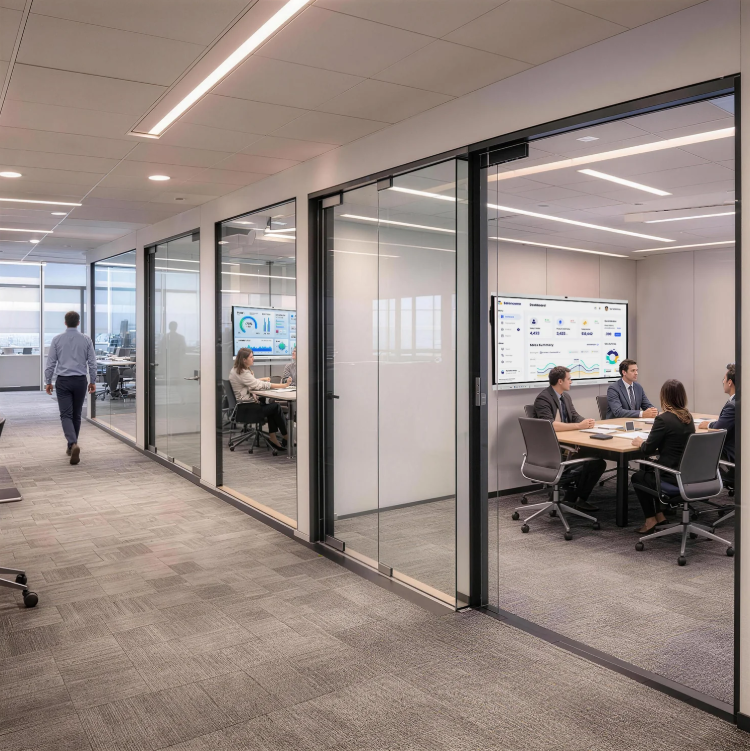
Small businesses often use one meeting room for several purposes. The same space may host planning, client presentations, remote calls, interviews, and training. A modern conference room display therefore needs to do more than show slides. It should reduce setup steps, work with common devices, support clear communication, and remain simple enough for different employees to use without constant IT help.
For buyers comparing NewBoard P series for business with other conference room displays, practical workflow should come before a long feature list. Nework smart board products are designed for education and business collaboration, with functions for presentation and video conferencing. Small companies can contact them to discuss room size, device connections, conferencing needs, and deployment requirements before selecting a suitable setup.
One Connection Can Simplify Meeting Setup
Small teams rarely want to spend the first minutes of a meeting searching for adapters or changing cables. USB-C is practical because one connection can carry video, audio, data, and power. HDMI also remains useful when visitors bring devices that rely on a more traditional display connection.
This matters in shared rooms. Employees may arrive with different laptops, while clients may use another operating system. Fewer connection steps can shorten preparation time and reduce the number of accessories kept in the room. Procurement teams should check which ports are built in, what each port supports, and whether extra adapters are needed.
Software Access Should Match the Team’s Habits
Hardware alone does not determine whether a meeting display is convenient. Small businesses also need access to the conferencing platforms they already use. Switching between a separate PC, display, and meeting device can add unnecessary steps when several employees share the room.
The meeting board introduced for this application uses Google-certified EDLA and provides access to Google Play. It can run meeting applications such as Teams, Zoom, and Google Meet. Buyers can therefore compare whether staff can open familiar applications directly or need to connect an external computer for each call.
Camera Coverage Matters in Small Meeting Rooms
Video quality affects how remote participants read expressions, gestures, and visual materials. Resolution is one part of the comparison, but camera angle and image adjustment also matter. A narrow camera may leave people at the edge of the table outside the frame, while poor exposure can make faces difficult to see.
The product information for NewBoard P series for business lists a 48MP 4K conferencing camera with automatic exposure, focus, and white balance. It also provides a 108° ultra-wide field of view with low distortion. These specifications matter because a wider view can capture more participants without forcing the table farther from the display.
Audio Quality Can Affect Meeting Efficiency
Remote meetings become tiring when participants need to repeat themselves. Buyers should review microphone coverage together with camera performance. Pickup distance, microphone arrangement, noise control, echo handling, and full-duplex communication all affect whether people can speak naturally across the room.
The meeting board uses an eight-microphone array with AQUA DSP and a stated pickup range of 12–16 meters. It also includes AI noise reduction designed to filter more than 300 types of noise, echo cancellation, and full-duplex double-talk. Dual 20W speakers handle sound output. These functions are relevant when several people sit at different distances from the screen.
Small Businesses Need Less IT Friction
A small company may not have a dedicated technician near every meeting room. Equipment should therefore be easy to start, simple to explain, and predictable during routine use. Staff should be able to connect a laptop, join a call, share content, and adjust basic settings without following a long setup procedure.
Maintenance should also be considered before purchase. Buyers can ask how software updates are handled, what support channels are available, what the warranty covers, and how faults are diagnosed. A lower purchase price may lose its advantage if the system regularly requires extra accessories, complicated setup, or outside technical help.
Value Comes From the Whole Room Setup
Conference room value is not limited to the display price. Small businesses should calculate the complete setup cost, including cameras, microphones, speakers, cables, adapters, mounting equipment, external computing devices, software, installation, and service. Integrated functions can reduce separate devices, but buyers should still confirm whether those functions match actual meeting habits.
A Nework smart board can be considered in this wider comparison rather than judged only by screen specifications. They combine display, interaction, connection, and conferencing functions in one meeting-focused system. Businesses can request product information or discuss room requirements with the company, then compare the proposed setup with other options using the same checklist.
Choosing Around Real Meeting Needs
A modern conference room display should make meetings easier to start and follow. For small businesses, useful comparison points include connection steps, application access, camera coverage, voice pickup, noise handling, speaker output, maintenance, and total deployment cost. Each point relates directly to how employees and visitors use the room.
The right purchasing decision comes from matching these functions with actual work patterns. A five-person meeting room, client presentation space, and hybrid training room may need different configurations. When buyers define those needs first, they can compare products more clearly and avoid paying for features that add little value to daily meetings.
